
How it works
A brief guide for those who are here for the first time.
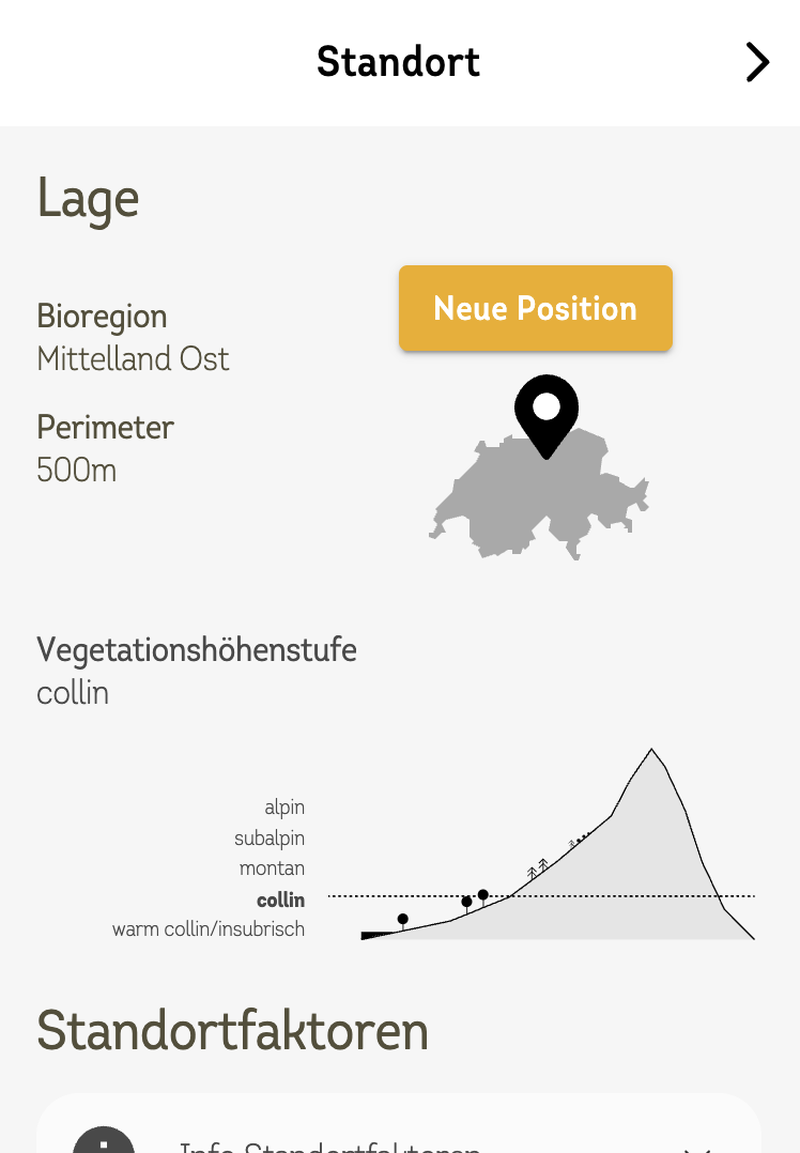
Step 1: Location / Position
The first step is to select a location on the map where you would like to support wild bees. If you are already at this location, you can determine your position using your device (mobile phone, laptop, etc.) by clicking on the “Find my position” button. Your browser will then ask you to grant the appropriate permission. Click “Apply” to start searching for bees in your area.
Now, in the second layer, we will show you which bees could be supported at your location. You can further narrow down the target species using specific location factors (via pull-down menu) and the search radius. Be careful not to exclude species that should be supported.
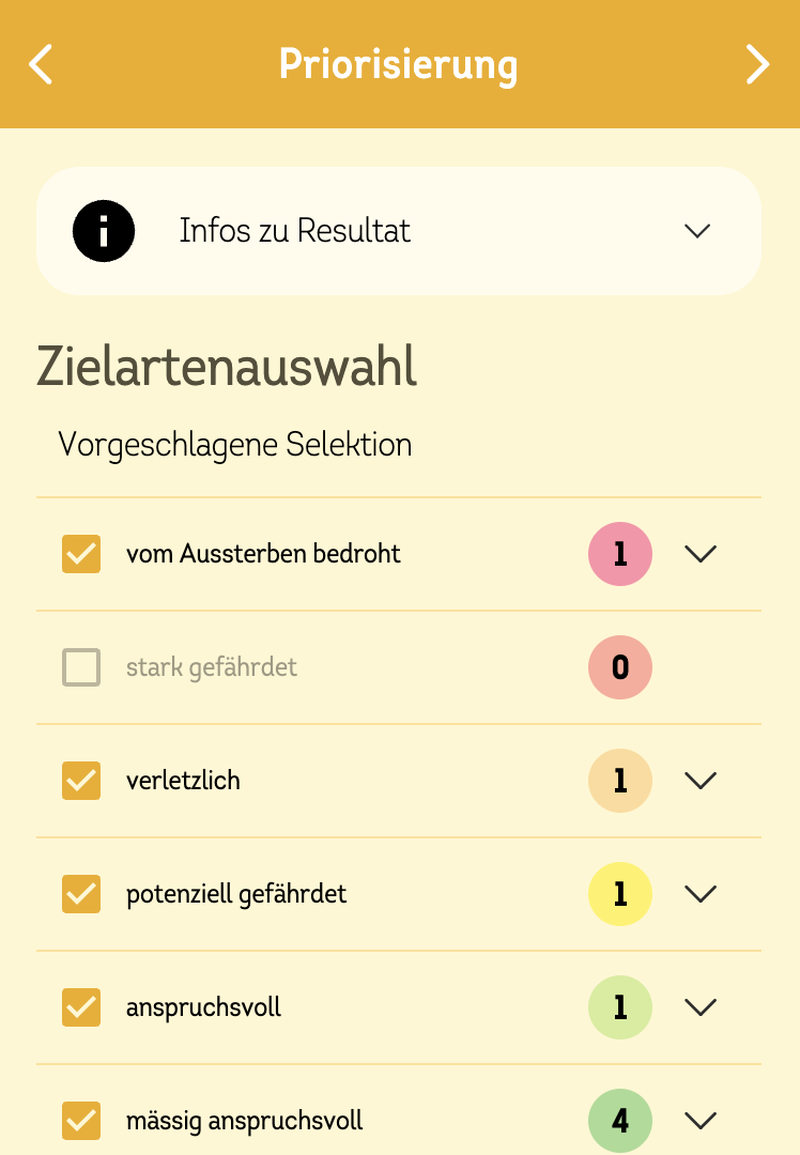
Step 2: Prioritisation
In a second step, you can expand or restrict the target species based on their endangerment by adding or removing the corresponding group. You can return to the original data for your location by clicking on the text link “Activate automatic selection”.
Highly endangered wild bees are particularly worthy of support, so you should limit your selection to these species if possible. If the selection of bees to be supported is too large or too small, go back to Location/Position and select specific location factors or increase the search radius under Settings.
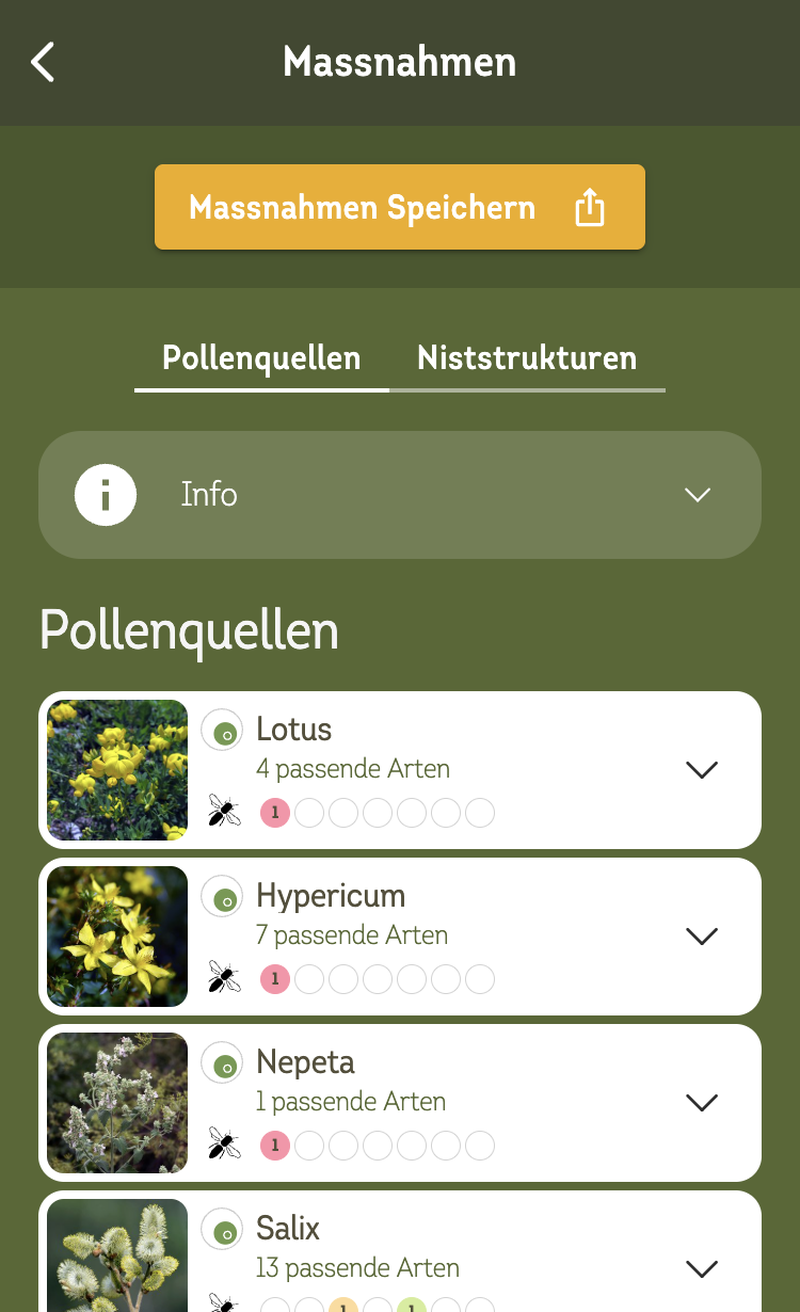
Step 3: Measures at your location
In the third step, we show you specifically which pollen sources (plants) and nesting structures you can use to support your wild bees.
You can export the result as a CSV file and edit it further in Excel or other spreadsheet programmes. Plants can be sorted and grouped according to various criteria. We recommend suitable nesting structures that can help you plan your outdoor design. Or you can save the results and share them with others.
If you are looking for detailed information on the suggested plants, you can access it via the link to the info flora website. If there is no website for this specific species, we link to information on the corresponding genus.